Comment right on the page
SparkMarker is a Chrome extension for reviewing web pages. Click any element, write your note, and it stays pinned to that element, with a screenshot.

What you can do
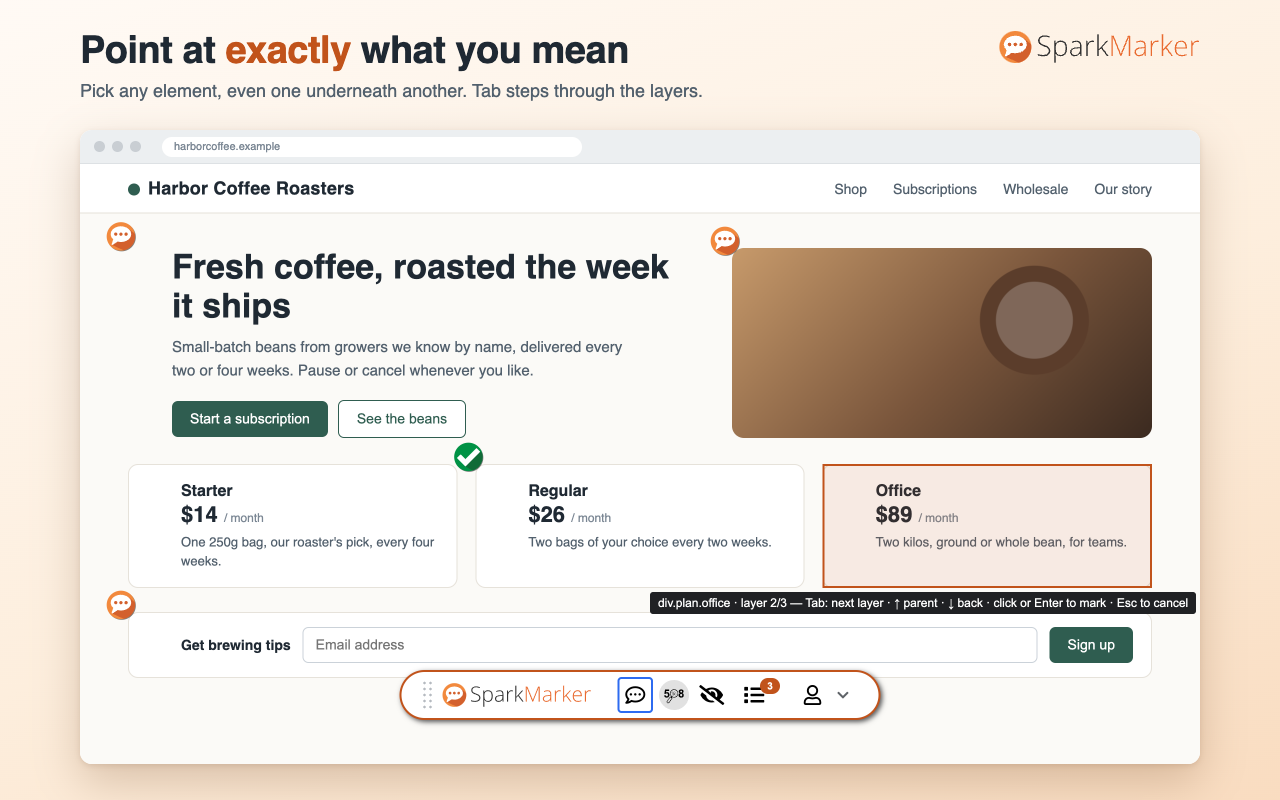
Comment on any element
Headings, buttons, form fields, table rows, images. If what you want is underneath something else, step through the layers with the keyboard.
Keep the evidence
Every comment keeps a screenshot of the element and the browser and window size it was seen in.
Reply and resolve
Answer a comment, mark it resolved, and see everything in one searchable list for the page or the whole site.
Share what you found
Copy the comments as Markdown for GitHub, Jira or Slack, or save them as CSV.
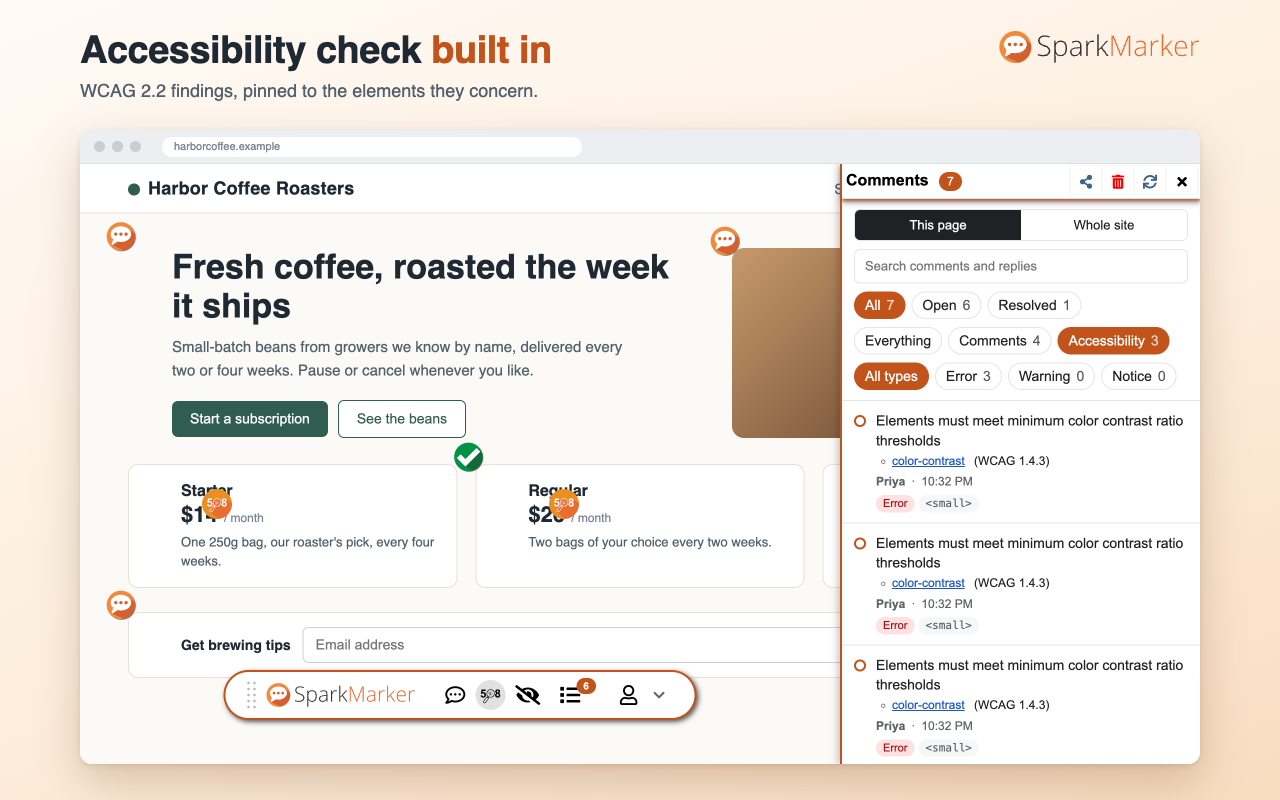
Check accessibility
Run a WCAG 2.2 check on the page. Each finding is pinned to the element it concerns, with its severity and a link to the rule.
Light and dark
Follows your system theme, and works on any page, including local development pages.
Two editions
Both do the same job on the page. They differ in where your comments are kept and who can see them.
| SparkMarker | SparkMarker Team | |
|---|---|---|
| For | One person reviewing pages | A team reviewing pages together |
| Account | None. It only asks for the name to show on your comments. | Name, email address and password |
| Where comments are kept | In your browser. Nothing is sent anywhere. | On the SparkMarker Team server |
| Who sees them | Only you, unless you export them | The members of your team |
| Sharing | Markdown, CSV, or a file a colleague can import | Automatic: teammates see comments on the pages they visit |
| Guide | How to use SparkMarker | How to use SparkMarker Team |
| Privacy policy | SparkMarker | SparkMarker Team |
| Get it | Chrome Web Store | Coming soon to the Chrome Web Store |